Support Telecomtalk







Andrew Bonwick
Vice President of Product Development at Relm Insurance

Madhav Sheth
CEO of Ai+ Smartphone

Stephen Rose
CEO Render Networks



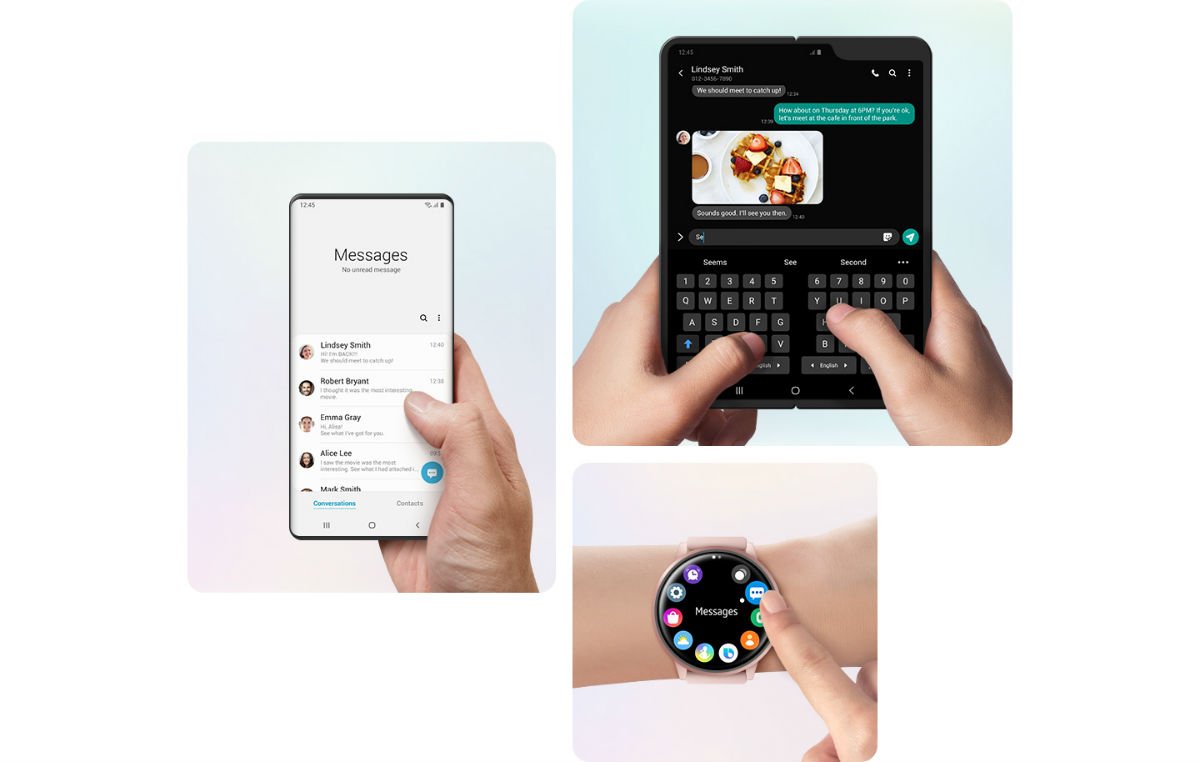
Samsung One UI 2.1 is out for the Galaxy S10 users now. The update has brought a lot of changes in the way a user interacts with his/her device. One of the top features that you will get after the update is Quick Share. It was initially only available on Samsung Galaxy S20, but now, the S10 and Note 10 users can take benefits of this feature as well. You can very conveniently and quickly share content with your friends and family. With Quick Share, you can directly share multiple files with multiple people who are near you. Another Feature that you are going to love about this update is Music Share. Now onwards, you don’t have to disconnect your device to an already paired Bluetooth system so that someone else can connect to it, you can just extend your connection to your friend and play music in turns. Besides, One UI 2.1 also brings several other changes to the camera app and also brings new display features.
- Make Telecom Talk My Trusted Source





Samsung One UI 2.1 Has Brought Major Camera Upgrades
Camera zoom option has taken the game of capturing images from a long-distance to another level. You can click pictures using the True Zoom feature on your Galaxy device and capture detailed images of your subject. Also, whenever you crop the photos now, the detailing won’t be lost, and the quality will still be intact. There is yet another camera feature called Single Take. With Single Take, one-click for a picture will use multiple lenses all at the same time to provide you with different types of images for a single moment. Then there is night mode as well, which will enable you to click awesome pictures at night or relatively dark environments. Also, there are some cool settings brought to the shutter button of the camera.