 Support Telecomtalk







Andrew Bonwick
Vice President of Product Development at Relm Insurance

Madhav Sheth
CEO of Ai+ Smartphone

Varun Kashyap & Sridevi Reddy
Co-Founders, Zithara.ai
Transforming Indian Offline Retail and Customer Engagement Using AI


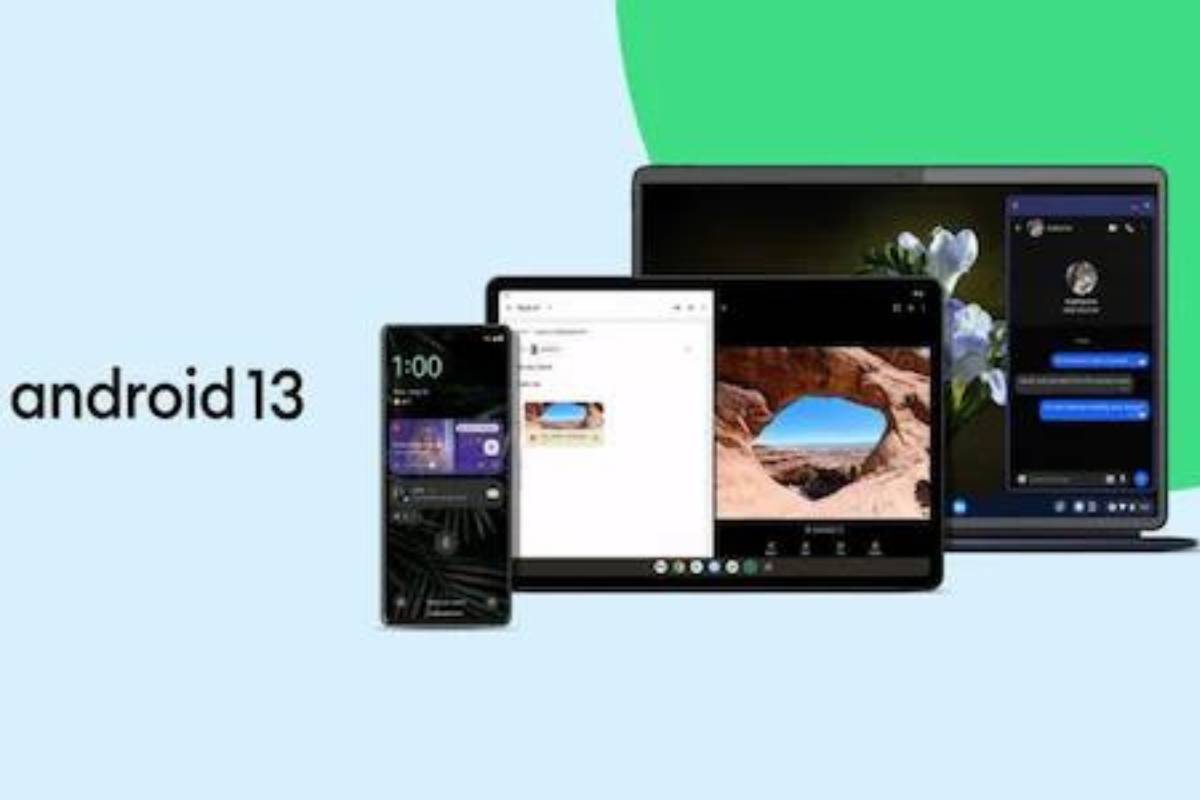
The most recent iteration of Google’s mobile operating system, Android 13, is now accessible for download. If you still have an earlier Pixel 3 device, you will not be getting the update because the list of Pixel devices starts at Pixel 4 and above. For phones and tablets, the most recent version of Android includes several brand-new capabilities, such as the capacity to expand app colour themes to more apps, language options at the app level, privacy controls, and the capability to copy-paste files from one device to another with just a click. Here’s a brief glance.
- Make Telecom Talk My Trusted Source



Devices Which Will Get Android 13 from Google
Google’s Android 13 is first available for the Pixel phones. Pixel 4, Pixel 4 XL, Pixel 4a, Pixel 4a (5G), Pixel 5, Pixel 5a, Pixel 6, Pixel 6 Pro, and Pixel 6a are all on the list. According to Google’s blog post, Android 13 will also be released for devices made by Samsung, Asus, HMD (Nokia phones), iQOO, Motorola, OnePlus, Oppo, Realme, Sharp, Sony, Tecno, Vivo, Xiaomi, and more. Additionally, Google has provided a list of some of Android 13’s new features. With Android 12, Google introduced the Material You style for the home screen, which can be further customised. Users can now alter non-Google apps to fit the phone’s background theme and colours, according to Google.
Now, Android users can designate a particular language for particular apps. Users that feel at ease speaking foreign languages are the target audience. Therefore, a user can choose a different language for each programme while keeping the phone’s system language set to one. Also included in Android 13 is increased privacy. With an app, users can choose only particular images and videos. If an app requests their permission, they are no longer obligated to share their complete photo library. In particular, if you copy sensitive information like your email address, phone number, or login credentials onto your device, Google is providing greater protection to clipboard data. After a while, Android will automatically erase your clipboard history.






























