




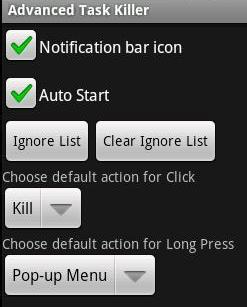
 A very essential tool in the Android OS is the "Advanced Task Killer" also known as ATK.Typically on Android for most apps there is no effective way to exit out of an app after you are done using it.
So some apps tend to continue to work in the background thus using up the quite essential power resource. This results in the draining of the battery quickly which is a concern for most smartphones either way.
So a quick solution to this is the Advanced Tasks Killer. This app is a one stop button to kill all the apps currently running on your android phone.
It just takes 3 easy steps to kill the apps. Acess the ATK, select the tasks that you want to kill and kill the apps. This is much like the Task manager in Windows.
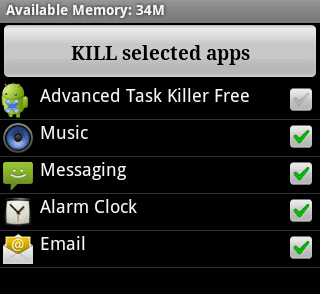
And no this isn't a serial killer, rather it kills the apps in parallel. Developed by Rechild you can visit the developer website at http://rechild.mobi and download the same.